We build the operating system for digital humans.
Not avatars. Not chatbots. CharacterOS lets creators build persistent AI characters with appearance, voice, behavior and storytelling, then put them in any scene.
This is an early preview. You can try the questions now, and making characters and videos is being switched on step by step. Results come from AI and vary.
What you give it
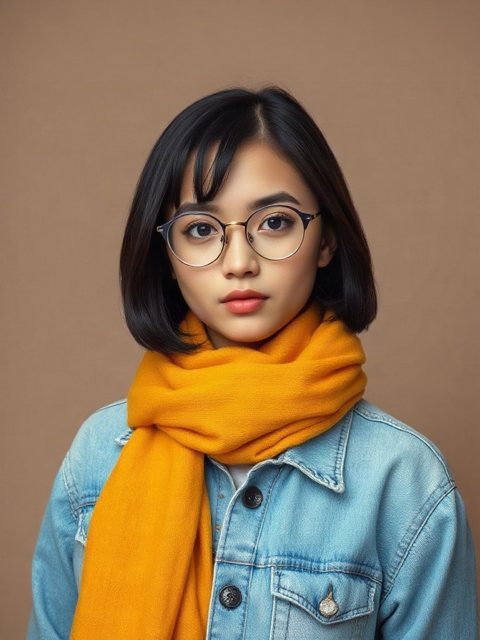
Photos and videos
Four to six videos and six pictures of one person who agrees.
Voice recording
One to ten minutes of the person speaking.
Behavior
What you get
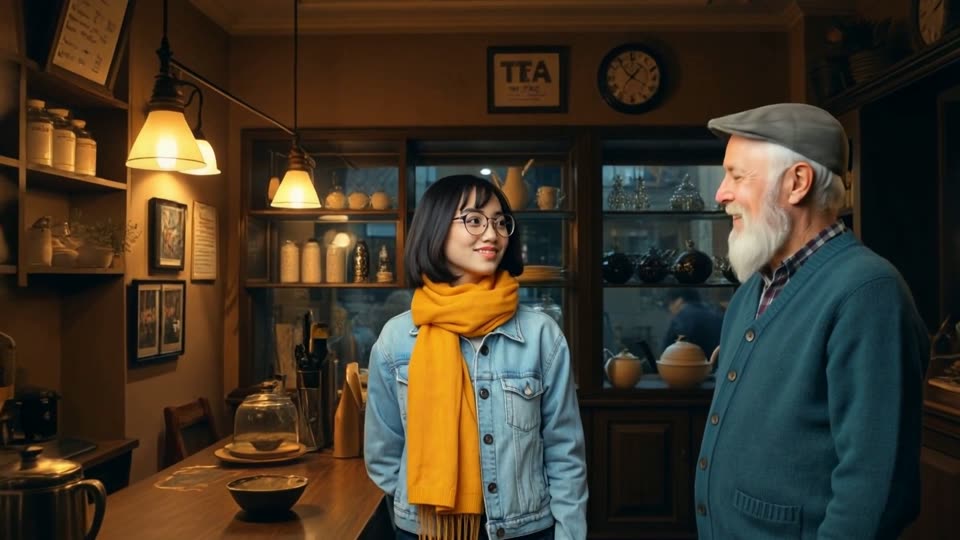
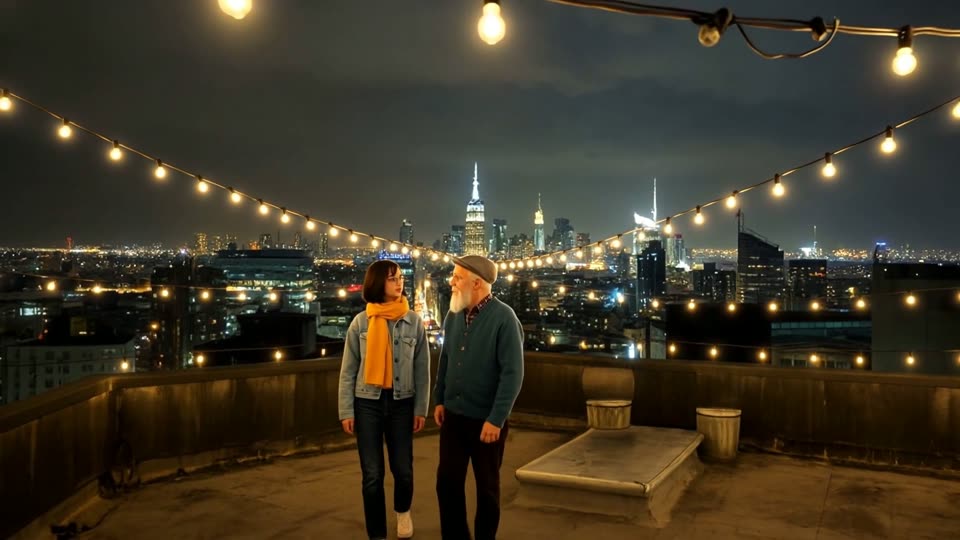
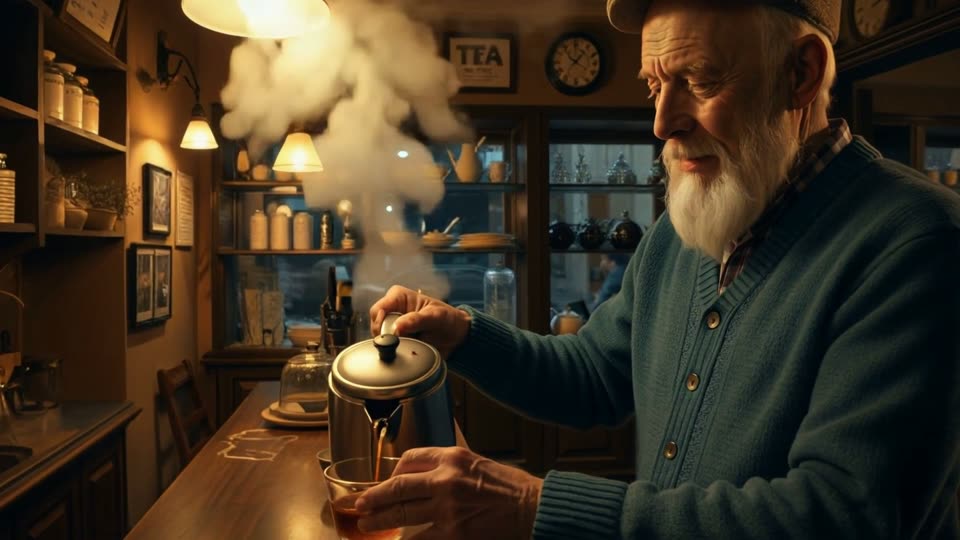
One character. Infinite stories.
Say what you want to do. We build the steps.
Five choices, and nothing else on the screen. Do 01 and 02 first: they make your character and its voice. You need both before you can make 03, 04 or 05. Each choice asks only the questions it needs.
Step one Set up your character
01Create a character
Teach us a person from videos and pictures.
02Give a character a voice
Record or upload speech.
Step two Make a video (needs 01 and 02 first)
03Make a talking video
Your character says your words.
04Make a scene video
Describe a scene, in any shape.
05Make a short film
Several characters and many scenes.
A character is more than a face.
Add videos, pictures and a voice recording of a person who agrees, and describe the character in your script. CharacterOS turns it into a character you can direct. What is live today is marked; the rest is in development. The behavior card, backstory, goals, skills and relationships are set on the About them screen and saved with the character. They shape scene videos and short films, and the mood shapes a talking video.
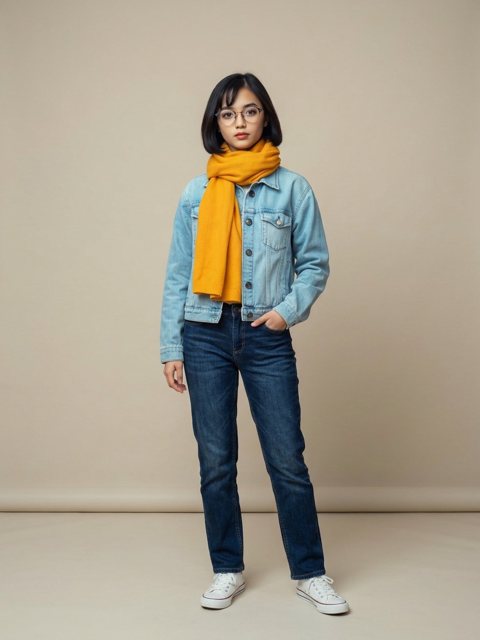 a made-up character
Face, hair, clothes and build, from your pictures.
From a recording of the person speaking.
How they stand, look and gesture, read from their pictures.
Who they know, and how.
A usual mood, or a mood for a talking video.
What the character knows how to do.
What the character wants.
Their story, kept with them.
Create. Learn. Generate.
Choose a stage to see what happens in it.
Create
Give the character a name, upload four to six videos and six pictures of a person who agrees, and record a short consent on camera. You can then save the character.
Learn
Standard learning is available now: the character is saved from your pictures and videos. Deep learning, which also learns how the person moves, is not available yet.
Generate
Write a sentence, a scene or a script. Talking videos, scene videos and short films are live: your character says your words in their own voice, you put one to three characters in a scene you describe, or you give an idea and approve a short film. You see the price first.
Not one video. A world.
A film can have up to six characters. You say who plays which role and which objects are in each scene. These two examples show the idea.
Example: a family of four characters in one film
How to read this. Each circle is a character. Each line says how two characters are connected in the story. The circle with the blue ring is the main character. This is only an example of a story world.
What it means for you. For a film you pick a cast of up to six characters and write in your script who plays which role.
One test film. Two made-up characters.
Each character was taught from six pictures. Everything below is AI-generated. We check each shot against the character's pictures and tell you how close it looks; it does not always match.
- Two characters in one shot Tested
- The same place across shots Tested
- Movement copied from a clip Tested
- Voice-over with music Tested
- Podcast episodes Planned
- Virtual teachers and presenters Planned
Only people who agree.
A character is a real person's likeness, so consent comes first.
Things people ask first.
Short answers. The full help guide has every step, and there is a plain-text version for AI tools.
What is CharacterOS?
CharacterOS is an early-preview tool for making AI characters from a real person who agrees, and putting them into videos and short films. You add videos, pictures and a voice recording, then direct the character with a sentence, a scene or a script.
How do I make a character?
Add four to six videos (five to twenty minutes in all) and six pictures of one adult who agrees, and record a short spoken consent on camera. Then save the character. Standard learning is available now; Deep learning, which also learns how the person moves, is not available yet.
Do I need a character and a voice before I make a video?
Yes. Choices 01 (create a character) and 02 (give the character a voice) come first. You need both before you can make a talking video (03), a scene video (04) or a short film (05).
Can a character have a voice?
Yes. Record or upload one to ten minutes of the person speaking. A voice costs $1.50 to make and $1.00 a month while you keep it, and you can release it at any time to stop the charge.
How long can a video or a film be?
A single scene can be up to 20 seconds. A short film is built from the scenes you write, as many as you like at 3 to 10 seconds each, and can have a cast of up to 6 characters. You approve the story and the total price before anything is made.
Can I choose the shape of the video?
Yes. You can make wide, tall or square videos, and download a film in the shape you need.
How much does it cost?
You see the price before you press the last button on every screen that spends money, and nothing is charged until then. Prices depend on the length, the size and the number of scenes.
How long are my videos kept?
Every video, whether you uploaded it to teach a character or CharacterOS made it, is deleted 30 days after it was made. Each finished video shows its deletion date, so download what you want to keep. Characters, their pictures and their voice recordings stay until you delete them.
Who can be a character?
Only an adult who agrees, with the agreement recorded on camera. Children and public figures are not allowed in this first version.
Is CharacterOS ready to use?
It is an early preview. You can try the questions now, and making characters and videos is being switched on step by step. Creating a character from your pictures, videos and consent, and giving it a voice, is live. Making talking videos, scene videos and short films is live too. A behavior card read from their pictures (Personality), backstory, goals, skills, emotions and relationships can all be set on the About them screen.
Does the character match the person every time?
Results come from AI and vary. CharacterOS checks each shot against the character's pictures and tells you how close it looks, and you can remake any scene.
Are the videos marked as AI-generated?
Yes. Every video is marked as AI-generated, whether the character is made up or based on a real person who agreed.
Who makes CharacterOS?
CharacterOS is part of Froyla Video Creation Studio, a product of Elisda. You can reach the team from the contact page.
Prefer cartoons?
ToonMotion turns your photos and a story into a cartoon video, scene by scene, from the same Froyla account. Open ToonMotion. To make a talking video from a photo and a cloned voice, try Froyla CloneVoice.
Own your digital human.
Create a character that looks and sounds like the person who taught it. Start with a few videos and pictures.
Start building